How to check the battery health of a used smartphone before buying
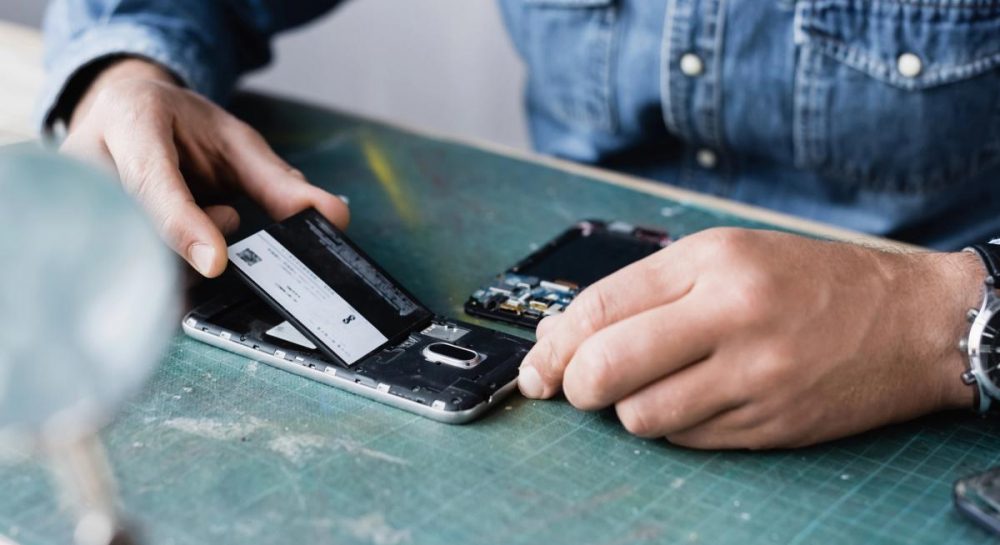
Buying a used gadget requires a thorough battery check, as wear significantly impacts device performance. Experts advise against relying solely on the seller's word and recommend using built-in diagnostic tools.
 💡Tech
Photo: UNIAN
Key points
- Visual inspection of the body and screws
- Using system settings to verify components
- Risks of installing non-certified batteries
Why battery inspection is crucial
Purchasing a used smartphone is a popular way to save money, but hidden battery wear can negate all the benefits of such a purchase. The battery is the most vulnerable component, and its condition directly affects system performance, charging speed, and overall device stability.
Before paying for a gadget, perform a visual inspection. Pay attention to how the display fits against the frame and the condition of the screws on the bottom panel. Scratches on the screw heads or uneven gaps may indicate unprofessional tampering and the replacement of the original battery with a cheap alternative.
Software diagnostics and tips
- Use the 'Parts and Service History' section in iPhone settings to identify replaced components.
- Check for factory markings if you have the opportunity to inspect the internal parts of the device.
- Ask the seller for documents from a service center confirming the quality of any replaced parts.
Modern smartphones, particularly Samsung and Google Pixel, also include built-in mechanisms to detect power issues. Remember that installing non-certified batteries often leads to overheating and sudden shutdowns, especially in cold weather.
Source UNIAN — unian.ua/techno/gadgets/yak-pereviriti-akumulyator-u-vzhivanomu-tel… ↗
Read next
 🎭Culture & Sport
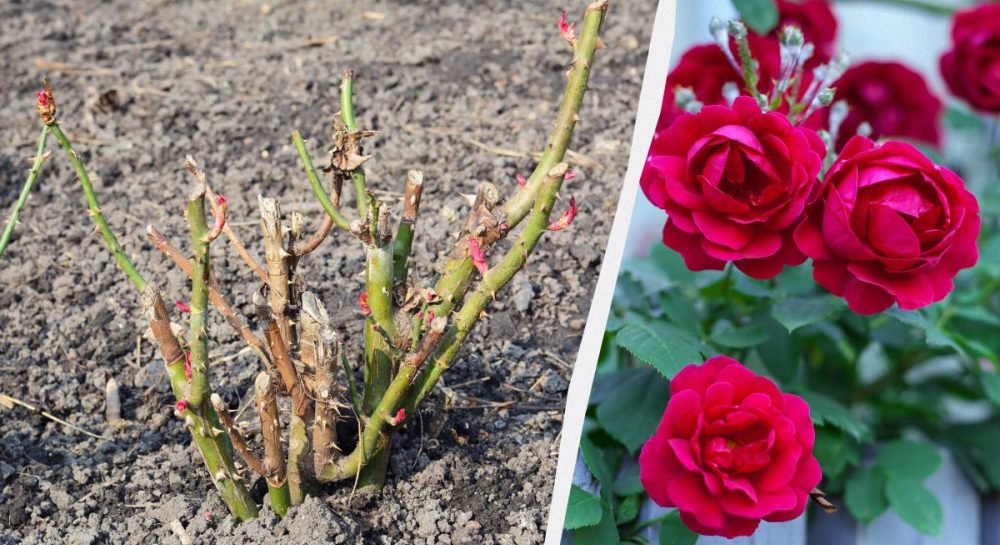
Autumn Rose Care: Expert Advice for Gardeners
Experts explain why it is better to wait for stable frosts before performing heavy pruning on rose bushes.
 🎭Culture & Sport
Macaulay Culkin may return as Kevin McCallister in a new 'Home Alone' film
Actor Macaulay Culkin is planning to reprise his role as Kevin McCallister in a new installment of the iconic Christmas comedy currently in development.
 🛡️Security
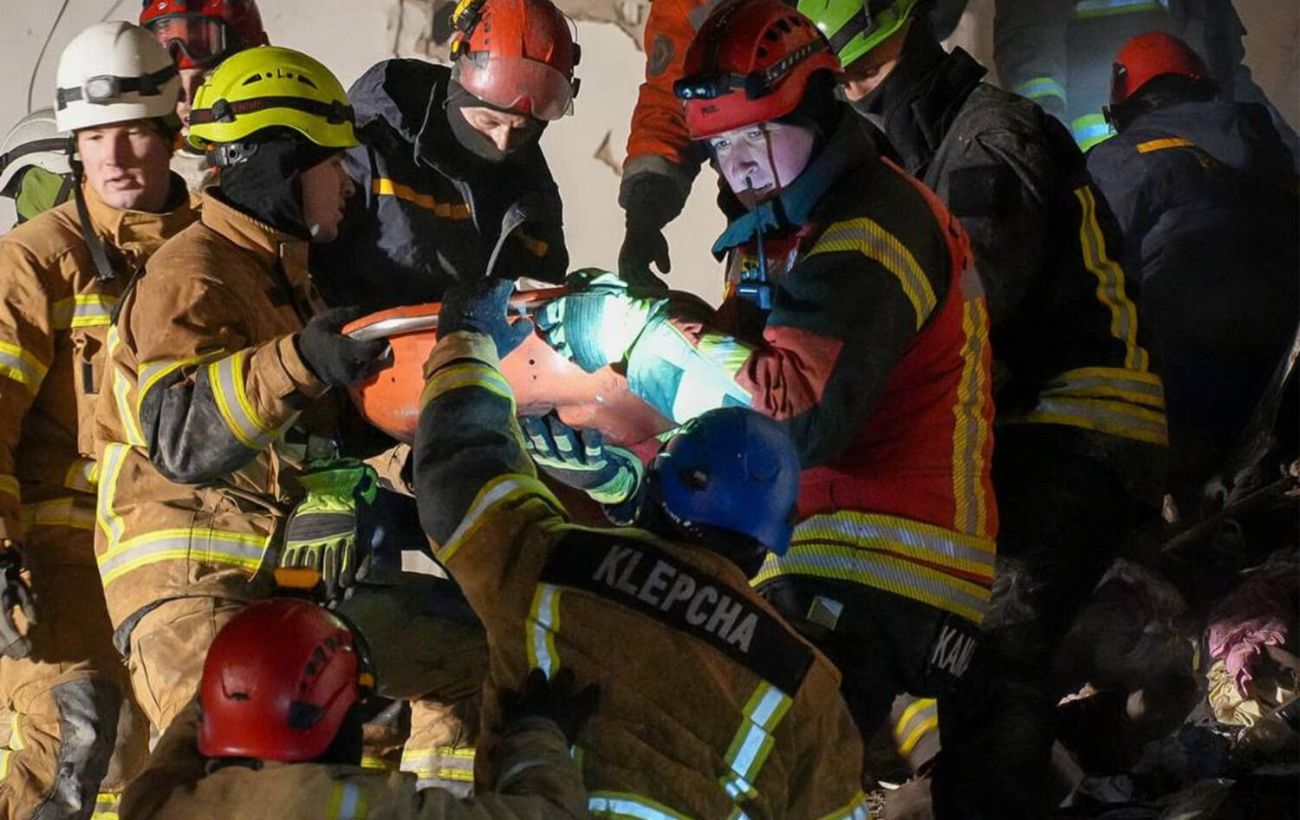
Elderly woman rescued from rubble in Dymer: death toll rises
Search and rescue operations are ongoing in Dymer, Kyiv region, following a drone strike. The number of confirmed fatalities has reached nine.
 🛡️Security
Russian corvette 'Merkury' reportedly hit by Ukrainian drones in Libya
A Russian warship was damaged by an explosion in the port of Benghazi, with reports from Associated Press suggesting a potential attack by Ukrainian naval drones.
 🛡️Security
Russia tests NATO defense mechanisms through airspace violations, expert says
Military expert Dmytro Kashchenko stated that Russia is using missile and drone incidents to test the Alliance's readiness.
 🩺Health
Ancient bacteria awakened: scientists analyze risks of melting permafrost
Researchers from the University of Colorado have discovered that bacteria from permafrost are capable of active growth after 40,000 years of dormancy.